You will quickly notice within the API documentation that the majority of paths start with:
/organisations/{orgId}
The obvious question is where do you find the value to replace the {orgId} placeholder.
There are two ways that you can find this information.
Navigate to the Organisations page (Static -> Organisations) at the top of the list of Organisations (which at this point may be empty) you will see a card with the name of your organisation on it:
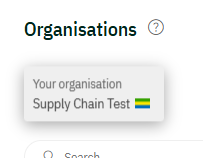
If you click on that Card, it will open the details for your company. You can find the OrgId as part of the URL in the address bar. Highlight that id and copy it.

Navigate to the Admin page. On that page there is a Connections card:
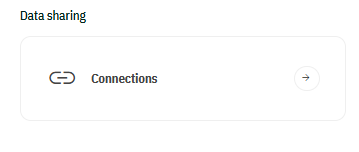
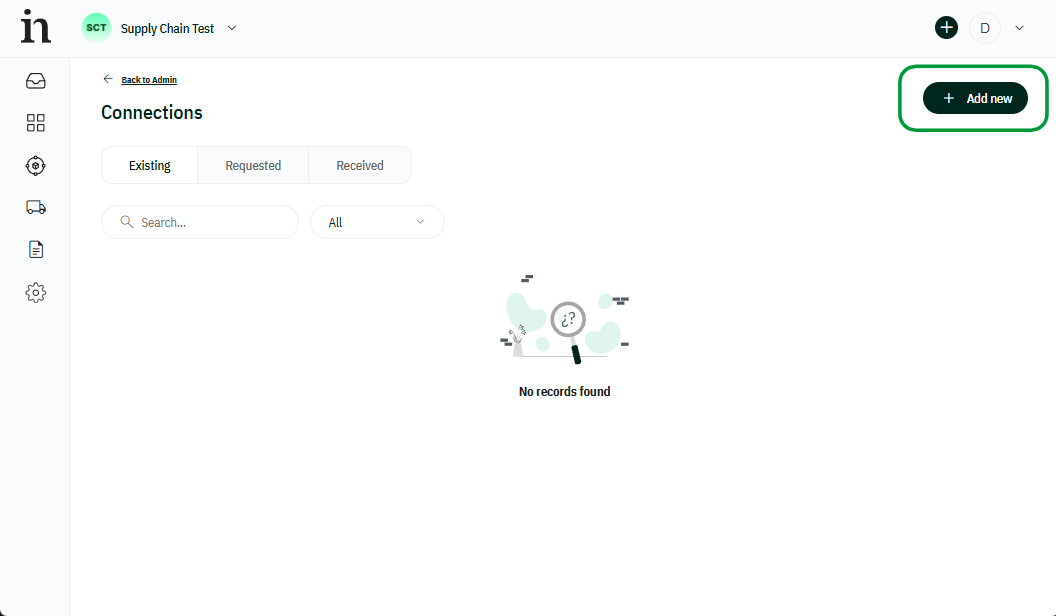
Click on the card and it will open the connections page. On that page click on Add New:
A window will open that contains your OrgId. If you click on that id it will copy to Clipboard:
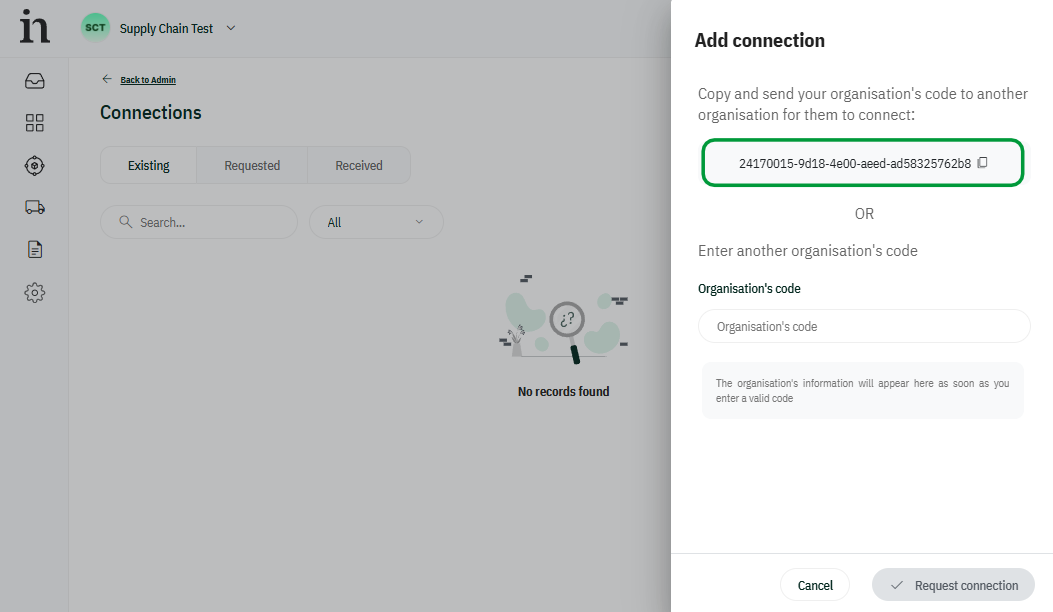
Now you have the OrgId you can use it within your code when building API paths.
THere are some endpoints that are not specific to your organisation. They typically start with /common. OrgId is not needed for these endpoints. The documentation will clearly show the expected url.